There are two ways to reset or change your Bikeflights account password.
1. If not logged in
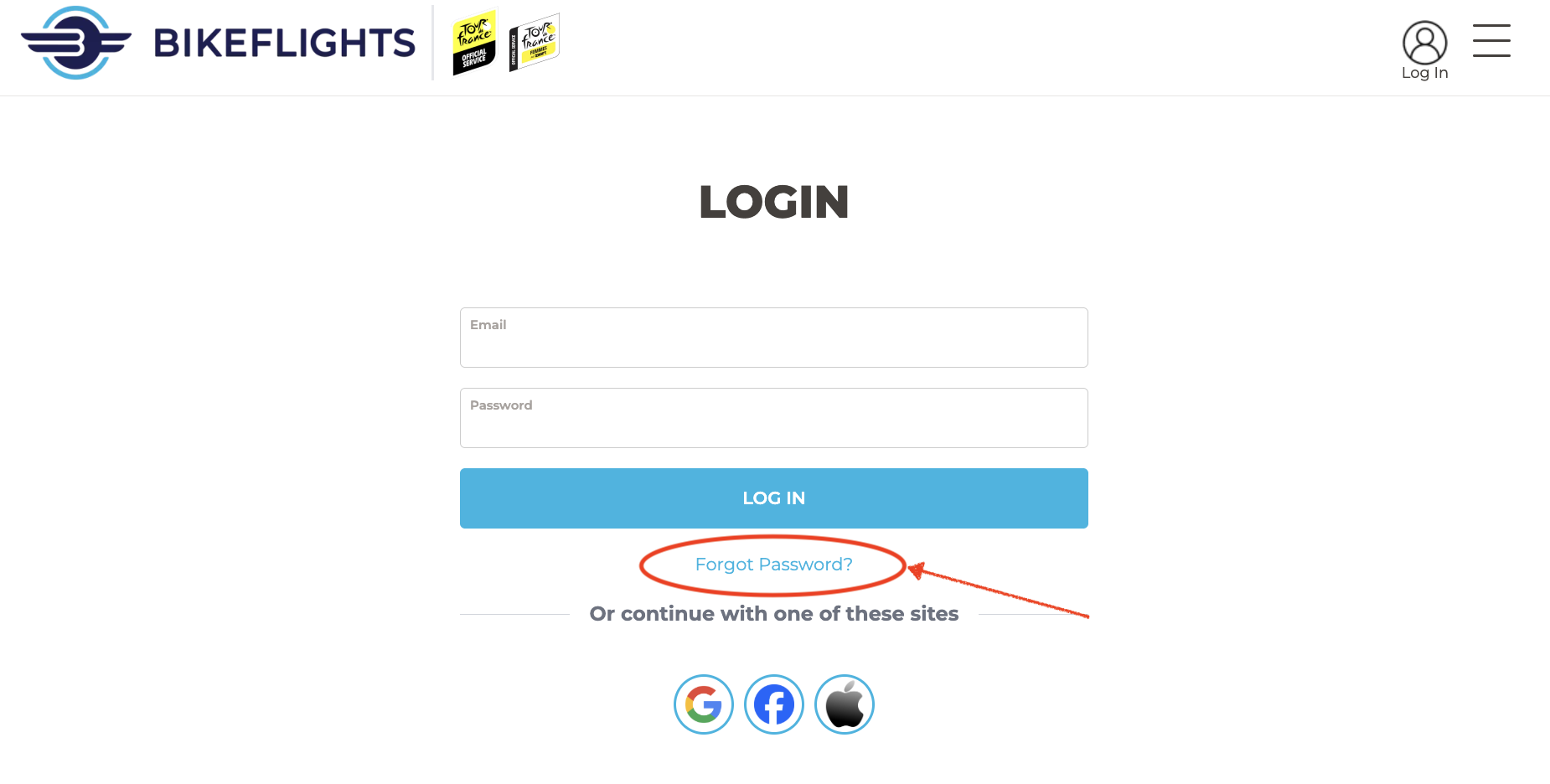
Begin the login process. Instead of logging in, click the "Forgot password?" link.
Then enter your account email as prompted, and click the "Reset Password" button.
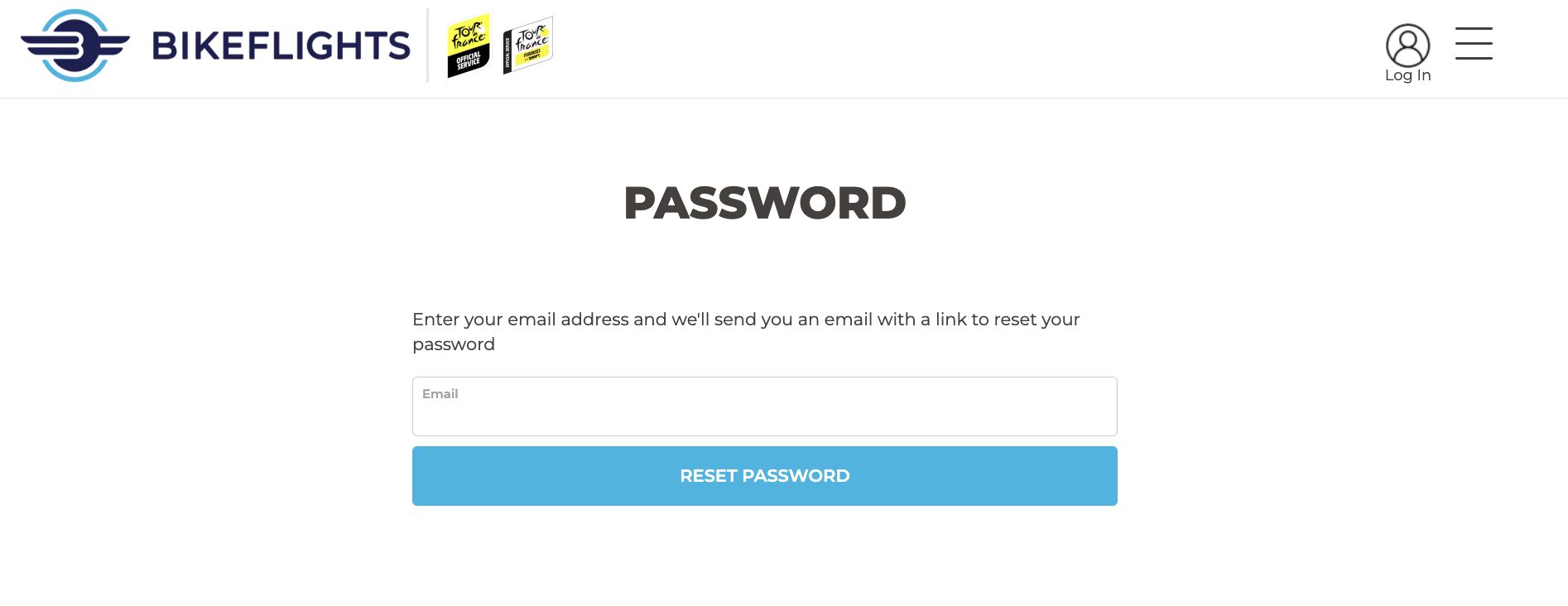
You will be emailed a link to click to reset your password.
2. If logged in
First, click the icon for your account, and then click "Edit".

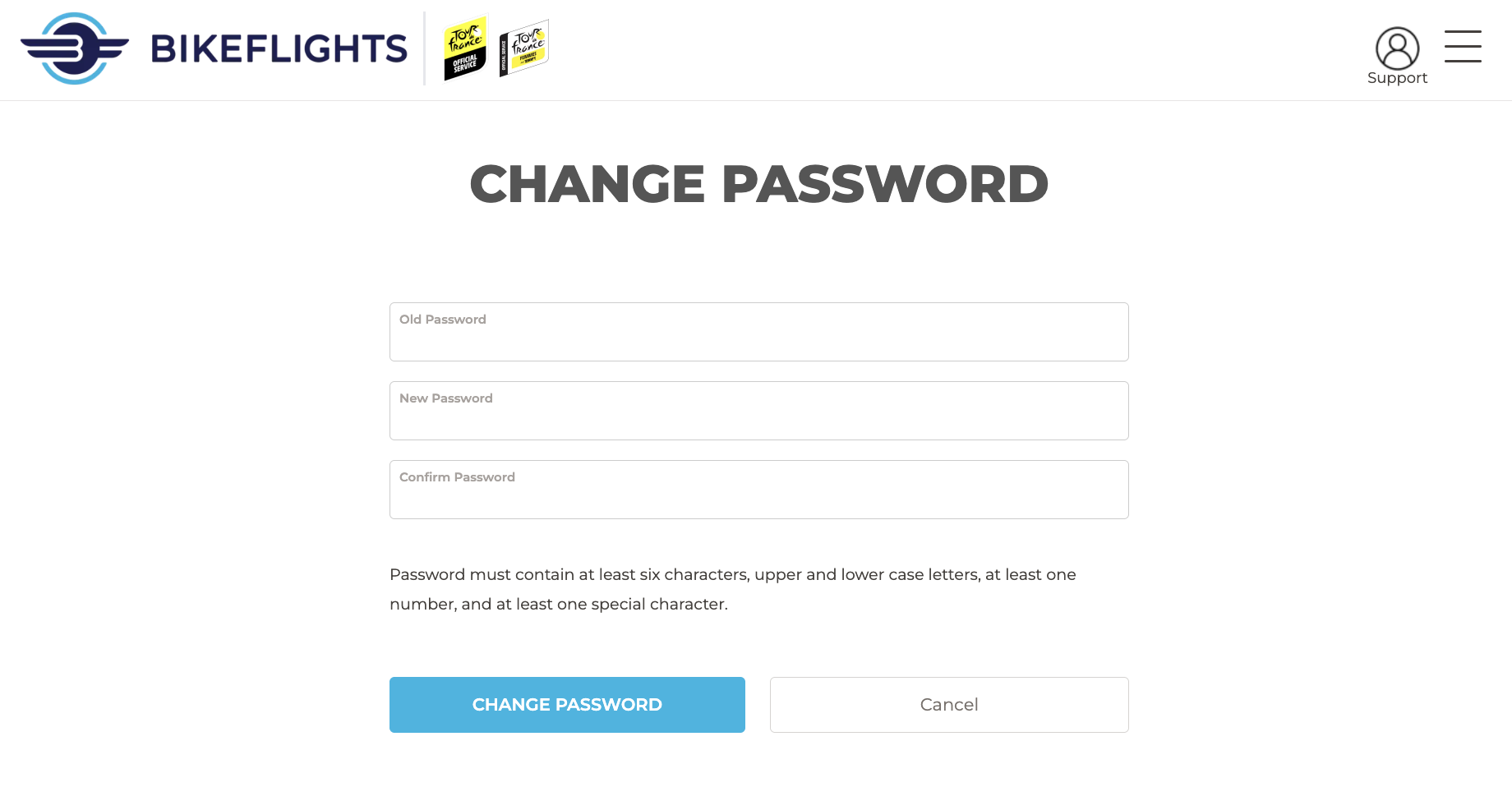
Next, click the green "Change Password" button.

Enter your old password and new password as prompted, and click the "Change password" button.
Note: If you attempt to reset your password and receive a notification about being unable to reset your password or you don't receive a password reset email, your account may be under a different email address, or you may not have an account. For example, you may have placed a previous order as a guest.
If you need assistance figuring out which address you used to create your Bikeflights account, please contact our Support Team.


